Log In on Mobile App (Using Biometrics)
By Infinit Care Team
•
Updated 117 days, 21 hours ago
Note: This option is only available for users who have previously enabled biometric login.
Open the InfinitCare app.
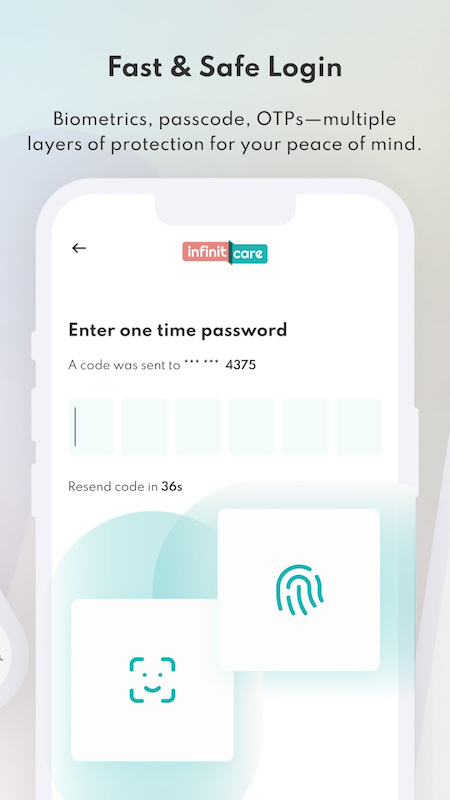
The app will automatically initiate biometric authentication.
Depending on your device settings, a Fingerprint or Face Recognition prompt will appear.
Complete the biometric verification using your fingerprint or facial recognition.
Once verified, you will be redirected to the Home Screen.